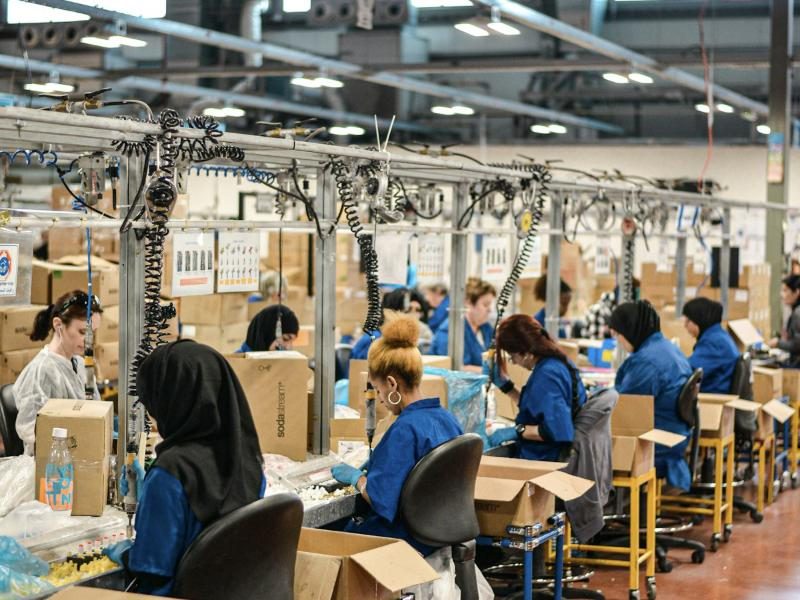
 Manufacturing
See output, scrap and cost per part without waiting for month end.
- Production sheets matched to accounting
- Scrap rate by line and by customer
- Cost of goods updated daily
Meet the mesh
The mesh pulls numbers from the tools you already use, uses AI to match and clean them, and delivers one trustworthy picture of your business. It runs on its own, and real people watch over it.

Spreadsheets on the shop floor, invoices in email, jobs in one app, payments in another. Someone on your team spends hours every week copying it all together, and it still doesn't quite match.
See it work
Pick a business below and press run. This is sample data, but it is exactly the kind of mess the mesh cleans up every day.
1 · Your sources
2 · The mesh
3 · What you get
Sample data for illustration. In a real setup, the mesh connects to your own tools and runs automatically, every hour or every night.
Your systems, connected
Most small businesses run on five to ten separate tools that don't share information. The mesh sits in the middle, pulls from each one, and sends the right information to the right place.
These are examples of systems commonly used in each industry. If a system can export a file, send email, or has an API, the mesh can usually connect to it. Product names belong to their owners.
How it works
You don't change the way your team works. The mesh connects to what you already use and does the tedious part in the background.
The mesh connects to your spreadsheets, accounting software, job and scheduling apps, and pulls in fresh data automatically.
AI reads your data like a careful bookkeeper would, and figures out that "Cust Name", "Client" and "Customer" are the same thing.
Records are joined, grouped and cleaned. Totals, margins and per-job costs are calculated the same way every time.
The finished data lands in a report, dashboard, spreadsheet or database, ready for the morning meeting.
Who it's for
You don't need a data team. The mesh is set up for small and growing companies whose best people should be running the business, not fixing spreadsheets.
ManufacturingSee output, scrap and cost per part without waiting for month end.
 Construction
Know where every job stands on labor and materials while it's still running.
 Cleaning services
Understand which sites are profitable, visit by visit.
 Healthcare
See what your practice bills, collects and spends without chasing reports.
 Your specialist
Automated, with a human touch
AI is fast, but your numbers matter too much to leave unchecked. Every Process Current customer has a named specialist who knows their business.
We learn how your business actually runs, then configure the mesh around it.
When the AI finds something new, like a customer spelled a new way, a person checks it before it reaches your reports.
If a source stops sending data or something looks off, we tell you and fix it.
Your data stays yours
The mesh moves information between your systems. It doesn't keep a copy of your data once the job is done.
The mesh reads from your tools and writes only to the destinations you approve.
See every source, every rule and every change. Pause or disconnect any time.
Every number in your report can be traced back to the record it came from.
Book a demo
Tell us a little about your business. We'll reply within one business day to set up a 30-minute call.
Prefer email? Write to help@processcurrent.com